
For Sales · HVAC sales software
Sell it in one visit.
Scan the home, size the system, and present the proposal at the kitchen table. Then pass the job to a crew.
The visit
From walkthrough to signature.
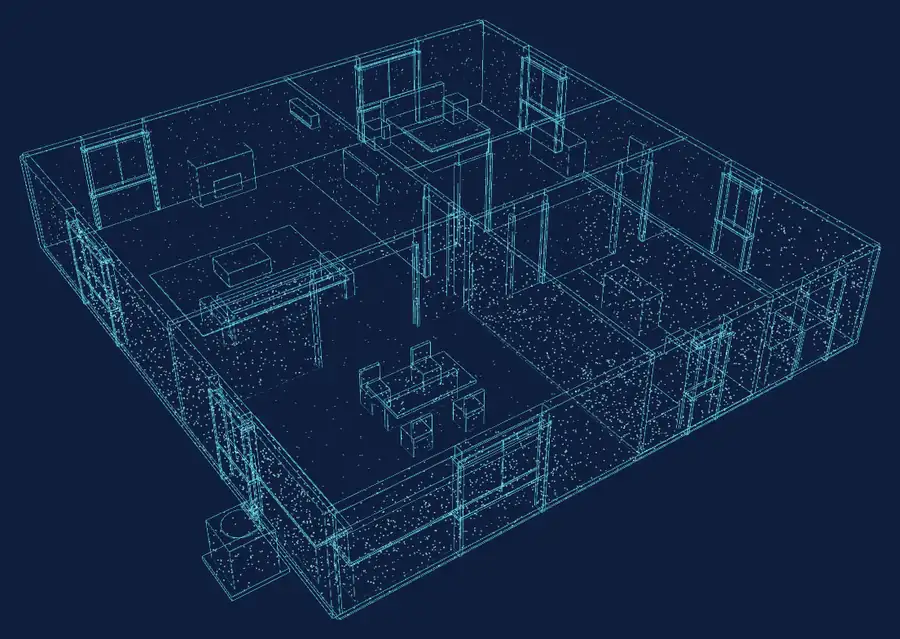
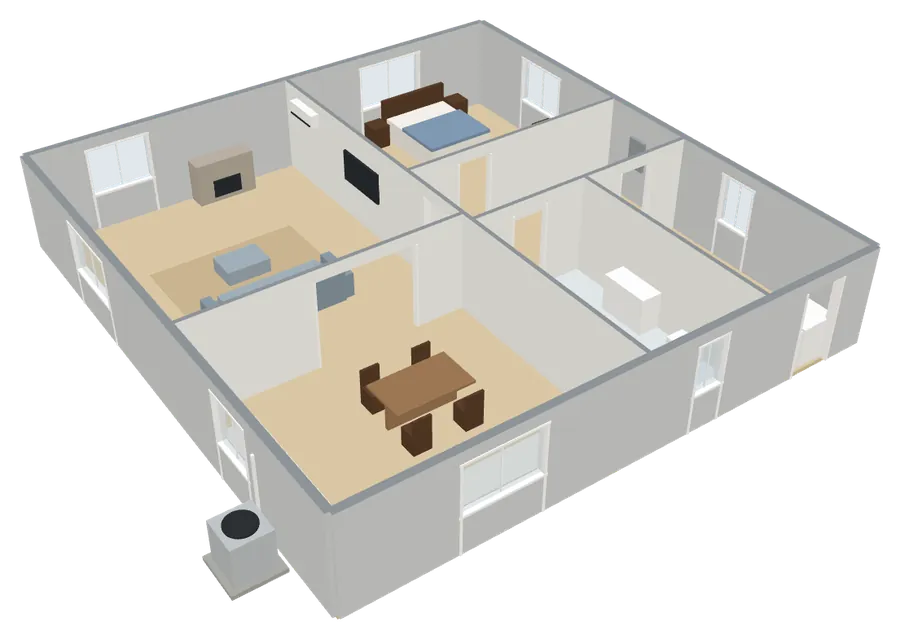
Scan the home and panel
Photon captures a measured 3D plan and the main-panel info, like capacity and breaker space.
Size and equip
Review the heating and cooling loads, then use the results to select equipment from the catalog.
Present the proposal
Good, better, and best options. Signatures through e-signature integrations.
Pass
Hand off a complete job.
Find an installer with capacity on the Network. The plan, load, equipment, and proposal go with the job.
Every job, at a glance.
Track each job in the dashboard, from first visit to service.
One record.
The job is never retyped between sales and install.
Install status, visible.
Watch the install move after the hand-off.
Questions
Good to know
What happens after the customer signs?
You pass the job to the installer. The signed proposal, load calc, equipment list, photos, and notes go with it, so nothing is retyped.
What if the installer needs a change?
They send a change order back to you. Fix it in the same job, have the customer re-sign if needed, and it returns to the installer for approval.
Can I offer financing?
Yes. The Finance Hub in the Library keeps lender accounts, payment options, and financing paths next to your proposals.
Do I need Photon?
No. Photon captures the home as a measured 3D plan, or you can draw the house in 2D. Either way, the room measurements feed the load calculation.
Request access
Run your next visit in the App.
Request access for your sales team.